
Audio Technology and Sound Design
Best Gaming Headset For Story Games & Dialogue Clarity
29th May•12 min read
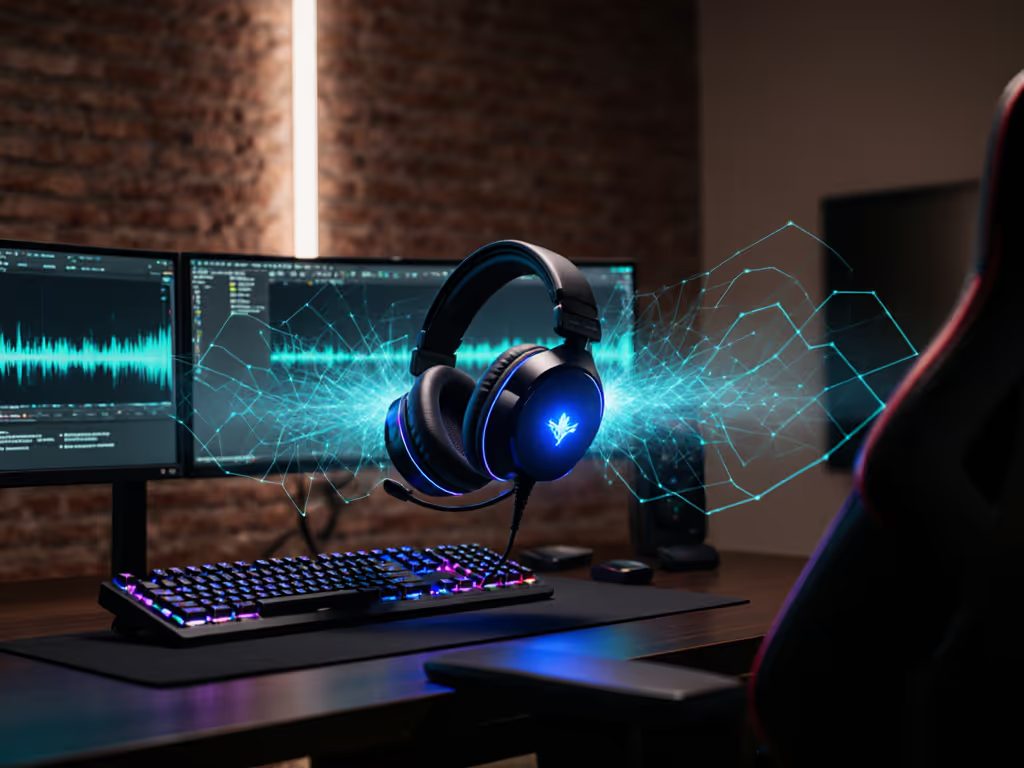
A spatial audio gaming headset relies on Head-Related Transfer Function (or HRTF) technology to create the illusion of sound coming from specific points in 3D space. Instead of hearing audio from two speakers level with your ears, you perceive directional cues: footsteps coming from behind and left, a grenade bouncing from above right. This is core to HRTF gaming headset integration. For competitive players, that directional precision translates directly to reaction time and map awareness. For a deeper dive into whether spatial audio actually moves the needle in ranked play, see our spatial audio competitive analysis.
The fundamental principle is straightforward: sound reaching your ears doesn't arrive clean; it bounces off your head, shoulders, and outer ear differently depending on origin direction. Your brain decodes these subtle phase shifts and level differences to place sounds in space. A properly tuned HRTF algorithm mimics those acoustic phenomena through headphones, creating what researchers call a virtual acoustic space. In gaming, that environment needs to survive compression, wireless latency, and the chaos of competitive callouts.

Stereo (left and right channels) gives you front-to-back separation if a game is mixed that way, but places audio primarily between your ears. True spatial or ambisonic formats encode multiple audio objects with spatial metadata. An HRTF decoder then filters them through a head model to place them around you in 3D. This is where head-tracking audio synchronization becomes powerful: as you rotate your character, spatial audio shifts with you, keeping a footstep sound genuinely behind you. Most consumer gaming headsets don't integrate true head tracking yet. Instead, they apply a fixed HRTF filter to multichannel audio, treating your head as stationary. That's still far better than stereo for pinpointing directional audio.
HRTF processing happens in several places:
At the hardware/DSP level: Some gaming headsets include dedicated audio processors that apply HRTF filters in real-time. This offloads computation from your CPU and ensures low latency. We break down real-world pros and cons in our DSP vs software latency comparison.
Via software and virtual reality audio processing: Windows Sonic, DTS:X, and Dolby Atmos (on compatible platforms) apply HRTF decoding at the OS level. Supported games send multichannel audio, and the OS spatializes it before it reaches your headset.
Through HRTF profile customization: Advanced software lets you select or tweak the HRTF profile applied to audio. A profile is a mathematical model of a "generic" head with adjustable parameters for head size, ear shape, and shoulder width. Custom profiles theoretically improve perceived directionality. In practice, the difference is subtle for most players; the real win is simply having any HRTF instead of stereo.
Wireless codecs and latency: Spatial audio is worthless if your wireless connection is mushy. Low-latency codecs like aptX Low Latency are critical. A delay of more than 30-50 milliseconds will feel "off," especially for fast footsteps in competitive play. Get the technical lowdown in our 2.4GHz vs Bluetooth latency guide.
If you're choosing between a generic HRTF and a profile closer to your head shape, you'll likely notice tighter spatial accuracy; footsteps feel more pinpointed. But the effect isn't dramatic for most gamers in real-world conditions. Where customization does matter is when poor profiles create artifacts: a sound that should be left feels diffuse or front-biased.
The more impactful variable is VR audio rendering techniques (specifically, how the game encodes spatial information and processes audio objects). A well-mixed competitive game with good spatial metadata plus a reasonable HRTF profile will outperform a poorly mixed game plus a custom profile every time. Start with a default profile suited to your head size, listen in-game, then adjust if needed.
This is where confusion creeps in. HRTF is about receiving spatial audio, not your microphone or sidetone. However, the audio chain processing incoming comms often uses the same headset hardware. If your headset's internal gain structure is poor or aggressive noise gating clips your callouts, HRTF cleverness doesn't help you hear teammates clearly.
I've blind-tested callouts recorded on different headsets with varying mic gain and noise-gating profiles. The pairs with muddy midrange, even with excellent HRTF processing, sounded garbled during playback. The headsets with flat, natural midrange gain? Callouts stayed intelligible no matter what HRTF profile customization was applied. Your teammates need to hear you clearly. That means a mic with usable sidetone (low delay, low hiss, no clipping) and consistent gain structure so your voice cuts through without sounding distant. Use our team comms mic guide to dial in clarity that teammates can actually understand.
Clarity wins trades; noise floors don't make callouts sharper.
HRTF is a powerful tool for spatial awareness, but not a magic upgrade. Start by confirming your game and platform support spatial audio, try a headset known for strong HRTF in your price range, and measure improvement through actual gameplay, not marketing claims. The best spatial audio is one you forget about because it works; you're focused on the callout, not the tech. Record short clips of the same match on different headsets, compare blind, and trust your ears. That's the real test.