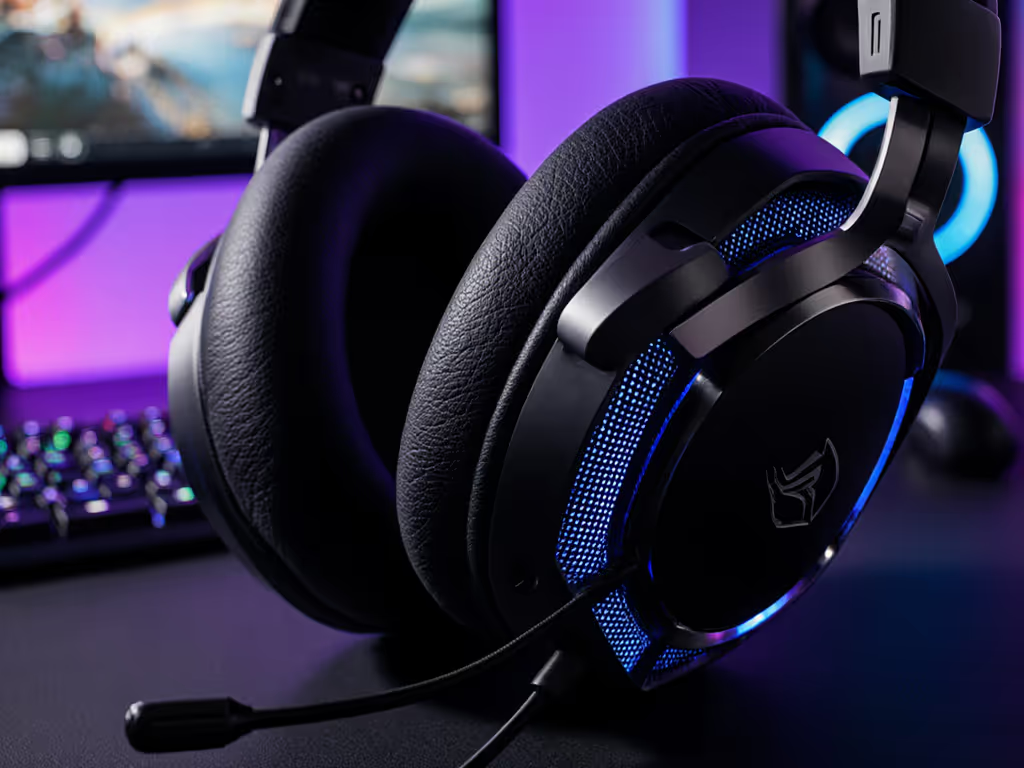
Comfort, Fit, and Noise Management
Gaming Headset Material Science: Comfort & Durability
4th Apr•9 min read
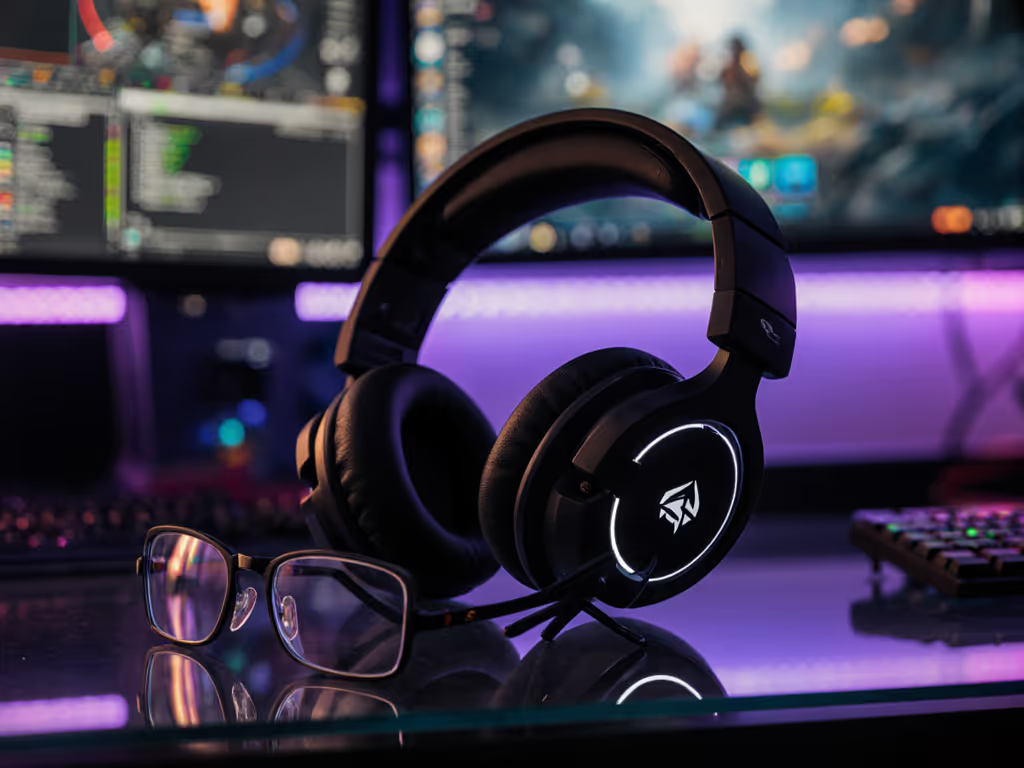
Finding the right computer gaming headset isn't just about audio quality, it is about whether you'll still be talking to your squad three hours in, or whether you've gone silent because your temples are screaming. Body-specific headset recommendations are the difference between a teammate you can count on and one who's grinding through pain to stay present.
The reality is uncomfortable: most gaming headsets are designed for an imaginary average head. They don't account for glasses, small frames, heat sensitivity, or the fact that your head shape might be completely different from the next person's. I've spent years mapping clamp force, pad materials, and pressure distributions across head sizes and climates. What I've learned is non-negotiable: if it hurts, it hurts your comms and your win rate.
Comfort isn't a luxury feature, it is a performance variable. When your headset creates pressure hotspots on your temples, your brain doesn't focus on callouts. When sweat builds up around your ears, you're managing physical distraction instead of team coordination. When glasses dig into your ears, you're checking the fit every few minutes instead of watching the minimap.
Research into extended gaming sessions shows that thermal comfort and pressure distribution significantly impact concentration and vocal clarity[1]. For a deeper dive into design choices that reduce pressure hotspots over marathon sessions, see our biomechanics-backed comfort guide. A headset that causes you to shift position frequently also destabilizes your mic positioning, leading to inconsistent voice levels that frustrate teammates[2]. The chain of discomfort is predictable: bad fit -> physical distraction -> worse comms -> worse decisions.
Body variance compounds this. Head circumference, ear size, face width, and whether you wear glasses creates dozens of compatibility variables that a single "universal" design can't solve. Reviewers testing headsets across different head sizes and conditions have documented measurable differences in comfort duration, sweat buildup, and clamp tolerance[3]. What feels light for a petite frame can create neck strain for someone broader. What accommodates glasses perfectly for a narrow bridge might leave gaps for a wider face.
The fix isn't buying a headset that "works for most people." It's understanding your body's requirements and matching them to headset geometry that actually supports extended sessions.
Clamp force (the pressure the headset exerts on your head) is the first thing you feel and the last thing you forget if it's wrong. Too tight, and your temples ache within an hour. Too loose, and the headset migrates during movement, forcing constant readjustment. The sweet spot is light enough that you forget you're wearing it, but snug enough that looking down doesn't send it sliding[2].
Flexibility is critical. Headsets with adjustable sliders and swivel earcups accommodate more head shapes without sacrificing stability. The Razer BlackShark V3 Pro, for instance, includes micro-adjustable headband sliders that allow users with different head sizes to dial in fit precision (no guessing involved)[1]. Similarly, the ability for earcups to tilt and pivot means the headset conforms to skull curvature rather than forcing your ears into a fixed position[2].
For glasses wearers, swivel becomes even more important. Rigid earcups trap the frame and create pinch points; flexible designs allow earcups to angle away from frames, reducing pressure on the sides of your head. The video testing of the BlackShark V3 explicitly notes that swivel adapts to "any head shape or glasses or if you're wearing a hat," addressing glasses compatibility as a measurable design feature[1].
Headset weight compounds over hours. A few extra ounces that feel negligible at minute one create noticeable neck fatigue by hour four. Lightweight designs, typically 300-320g, allow for longer sessions without strain[2][3]. For model-by-model results, see our lightweight comfort comparison.
But weight alone doesn't tell the story. Even distribution matters as much as total mass. A 320g headset with padding centered on the crown distributes load evenly across your head. A 300g headset with dense padding only on the sides can create uneven pressure. Testing across extended periods shows that headsets in the 300-330g range, with memory foam padding and balanced headband geometry, sustain comfort through eight-hour sessions without neck soreness[3].
Pad material is where thermal comfort either succeeds or fails. If you game in hot rooms, check our cooling tech headset tests for models that manage heat better than standard pads. Leatherette and pleather create airtight seals (perfect for sound isolation, problematic for heat escape). After three hours, sweat accumulates, ears get hot, and your ability to focus tanks. Velour and cloth pads breathe better, though they don't isolate quite as well. Memory foam with soft, contoured shapes minimizes pressure while allowing more airflow than flat padding[3].
For longer sessions or warmer climates, pad material directly impacts whether you remain comfortable or start shedding the headset to cool down. Reviewers testing headsets over extended periods consistently note that leather pads cause noticeable sweat buildup, while velour or cloth pads reduce this issue significantly[3].
Smaller heads face a different challenge: most gaming headsets are designed for medium to large frames. Loose sliders and wide-set earcups can feel unstable, and aggressive clamp compresses a smaller skull more noticeably than larger ones.
Look for headsets with a narrow headband footprint and granular adjustment options. The Razer BlackShark V2 Pro (2023) uses thin, flexible stainless steel sliders that allow smooth micro-adjustment without huge gaps between notches (crucial for smaller frames)[2]. Testing confirms this model's adjustability accommodates heads both smaller and larger than average[2].
Earcup size also matters. Oversized cups force your ears against the foam padding uncomfortably, reducing airflow and creating pinch sensations. Smaller earcups still provide seal without over-clamping, though you'll want to verify that the inner cup area is large enough that your ears sit inside the foam rather than pressed against it.
Larger frames need headsets that expand well beyond the minimum setting and don't feel cramped once adjusted. Earcups should pivot and tilt generously to accommodate face width and ear position variance.
The Audeze Maxwell exemplifies this through its large, contoured earcups and open headband adjustment[2]. Reviewers note that this design accommodates larger ear sizes and broader head profiles without compression[2]. The 90mm drivers fit in proportionally larger cups, and the headband design doesn't force a tight seal. At 490g it's heavier, but for larger frames, the distributed weight and generous sizing typically feel stable and supported rather than constraining[2].
Turtle Beach Elite 800 sits in a middle ground, 380g with memory foam padding and a headband design that suits broader heads without creating clamp hotspots for average-to-large frames[3].
Glasses add complexity: they create a pressure point on the bridge of your nose and add lateral pressure where frames meet your ears. Rigid headsets sandwich glasses between the frame and earcup, concentrating pressure into narrow lines. This is where swivel and flexible design become non-negotiable.
The Razer BlackShark V3 Pro's swiveling earcups allow frames to sit in the pocket created by tilted cups, distributing pressure across a wider area instead of concentrating it on frame temples[1]. Some users benefit from slightly looser clamp specifically to reduce the sandwich effect; the ability to adjust slider position helps dial this in.
Depth of the earcup also matters, if the inner cup is shallow and your glasses extend deep, they press directly into your ears. Look for earcups that provide enough depth that glasses sit comfortably inside the cup rather than touching skin.
For glasses-specific comfort, testing and adjustment are your best bet. Reviewers testing across different head types consistently note that flexibility and swivel are the deciding factors for glasses compatibility[1][3].
Long sessions demand headsets that don't create heat traps or pressure concentration. Breathable pads matter here, velour or cloth over memory foam allows airflow without sacrificing comfort cushioning. Weight should be on the lighter end; even light pressure compounds over eight hours.
The HyperX Cloud III earned the distinction of being "the most comfortable headset" in testing, weighing just 308g with leatherette-covered memory foam earpads and perfect clamping force (light enough to forget you're wearing it, snug enough not to shift)[2]. The balance of cushioning and light clamp enables extended wear without hotspots.
SteelSeries Siberia Elite, by contrast, applies tighter clamp that reviewers found too aggressive for extended sessions[3]. At 400g and with firm padding, it's suited for shorter bursts rather than all-day marathons.
Razer BlackShark V2 Pro (2023) - 320g, stainless steel sliders, flexible enough for glasses, adjustable micro-increments[2]. Testing confirms swivel and slider flexibility accommodate head size variance without sacrificing stability[1]. Ideal for medium to smaller frames and glasses wearers who prioritize adjustment range.
HyperX Cloud III - 308g, contoured memory foam, described as the most comfortable tested option[2]. The "perfect clamping force" makes this a strong pick for long sessions across most head sizes, though the relatively standard width may feel less accommodating for very large or very small heads[2].
Turtle Beach Elite 800 - 380g, memory foam, soft leather, suitable for average-to-large frames[3]. Light enough to avoid neck strain across extended sessions while providing generous earcup size and headband padding for broader heads[3].
Corsair HS55 - Lighter and more comfortable than its predecessor, with a flip-up mic and excellent clarity[4]. Positioned as a budget-friendly option without sacrificing core comfort ergonomics, making it accessible for budget-conscious players who don't want to compromise on extended-session comfort.
Audeze Maxwell - 490g, large contoured earcups, planar magnetic drivers[2][5]. The weight is noticeable but suited for larger heads where the generous size prevents hotspots. Open-back design aids heat dissipation compared to closed-back alternatives[5]. Best for users with large heads and less emphasis on portability.
SteelSeries Siberia Elite - 400g, reported as having clamp that's too aggressive for extended wear[3]. Better suited for shorter gaming sessions or users who prefer firmer clamping; testing suggests it's not ideal for all-day comfort[3].
Smaller heads often find mainstream gaming headsets feel oversized. The Razer BlackShark V2 Pro's strength here is granular adjustment, thin sliders that don't create visible gaps at minimum setting[2]. The approach works because adjustment is smooth rather than indexed to large jumps.
Another strategy, verify earcup depth and width. Contact manufacturers or check detailed reviews that measure inner cup dimensions. A headset with 35mm-wide and 50mm-deep earcups is genuinely smaller than one with 45mm-wide and 70mm-deep cups, even if total headset width is similar. Smaller earcups don't solve small-head fit, but they reduce the clamping pressure required to maintain stability.
Glasses-specific fit for small heads requires swivel flexibility even more, tight clamp combined with small head size can create concentrated temple pressure. Test before commit if possible, or choose brands with documented return policies.
No headset perfectly eliminates glasses pressure, it's a physics problem. But swivel, clamp control, and cup geometry minimize it dramatically.
Brand claims about "comfort" are vague. Real testing quantifies pressure distribution, heat buildup, and hotspot location. When reviews describe a headset as "light" or "soft," that's observation, not measurement.
Better reviews measure weight distribution across the crown and sides, clamp pressure in grams-force at key points (temples, crown, jaw hinge), and thermal imaging showing heat concentration after extended use. Testing across users with different head sizes reveals whether comfort scales or whether a design only works for one profile[2][3].
Look for reviews that specify these variables or test across multiple head sizes and conditions. A headset rated comfortable by a reviewer with a medium head might create hotspots for someone with a narrow skull or high cheekbones. Conversely, real data on how swivel and adjustability work across profiles helps you predict fit.
Thermal testing matters too. After three hours, closed-back leather pads create measurable temperature increases around ears[3]. Breathable alternatives show lower thermal buildup. If you game in warm environments or run hot, padding material directly impacts your session duration before discomfort drives adjustment.
Three hours into a co-op night, a gnawing temple ache silences you. No callouts, fewer laughs, just quiet grinding. Your team loses signal when you shift from engaged to enduring. I swapped pads that session, loosened clamp, and watched heart rate drop back to baseline. Small changes keep squads talking instead of suffering.
This isn't anecdotal. Discomfort triggers micro-adjustments, shifting the headset, removing and replacing it, tilting your head, each of which destabilizes mic positioning and changes voice level consistency. Teammates stop understanding you when the signal fluctuates. If your squad struggles to hear you, start with our gaming headset mic clarity guide. Comfort variables become comms variables.
Headsets optimized for your head shape and glasses don't cause that distraction. You stay focused. Your mic stays stable. Your voice lands consistent and clear. That's the performance link.
Step 1: Measure your head circumference and compare to headset spec ranges. Most gaming headsets range from 50-62cm adjusted. Know where you fall and confirm the model you're considering reaches that range without maxing out or sitting loose.
Step 2: Identify your priorities: If you wear glasses, swivel and clamp adjustability are non-negotiable. If you play 6+ hour sessions, breathable pads and weight under 330g matter. If you have a broader head, earcup size and headband width are critical. Prioritize the three variables most likely to cause discomfort for your profile.
Step 3: Cross-reference testing. Look for reviews that test across multiple head sizes or specifically mention glasses, long-session wear, or thermal comfort. Avoid reviews that only test on one head type and generalize.
Step 4: Test return policies. No amount of spec reading replaces real wear. Brands that allow 30-day returns let you test fit without risk. Use that time to wear the headset for 3-4 hour sessions, including in warm conditions if possible.
Step 5: Plan for adjustments. Even a well-fitted headset might need pad replacement after a year or clamp adjustment over time. For upkeep that extends comfort and lifespan, follow our headset maintenance guide. Replaceable pad systems and stable hinge design matter for long-term comfort and durability.
There's no single best gaming headset for every body type because bodies aren't standard. The Razer BlackShark V3 Pro excels for glasses wearers and smaller heads due to swivel and micro-adjustment, while the Audeze Maxwell suits larger frames through generous sizing and open-back design. The HyperX Cloud III delivers the most balanced comfort across profiles through light weight and ideal clamping, making it the safest all-profile pick.
Your selection should start with honest assessment: What's your head circumference? Do you wear glasses? How many hours do you play continuously? What climate do you game in? What's driven discomfort in past headsets?
Match those answers to headsets documented to work for your profile. Prioritize swivel flexibility for glasses, breathable pads for long sessions, adjustable clamp for fit precision, and weight under 330g to avoid fatigue. Read testing from reviewers who measure across head sizes rather than generalizing from one profile.
Comfort isn't a feature you trade away for audio quality or wireless range. It's the foundation that makes everything else, your focus, your callouts, your reliability to teammates, possible. Find the fit that disappears, and you'll keep your squad in comms where it counts.